Step 1: How stock sync works
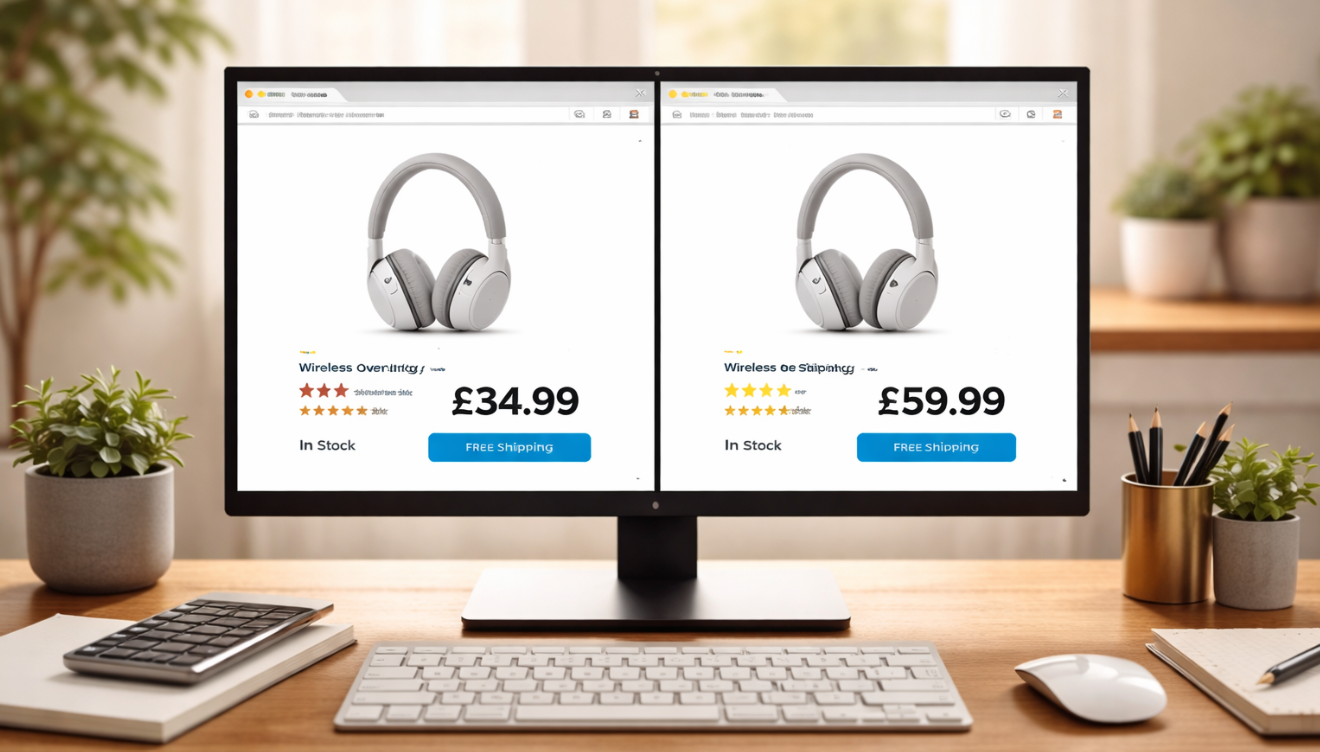
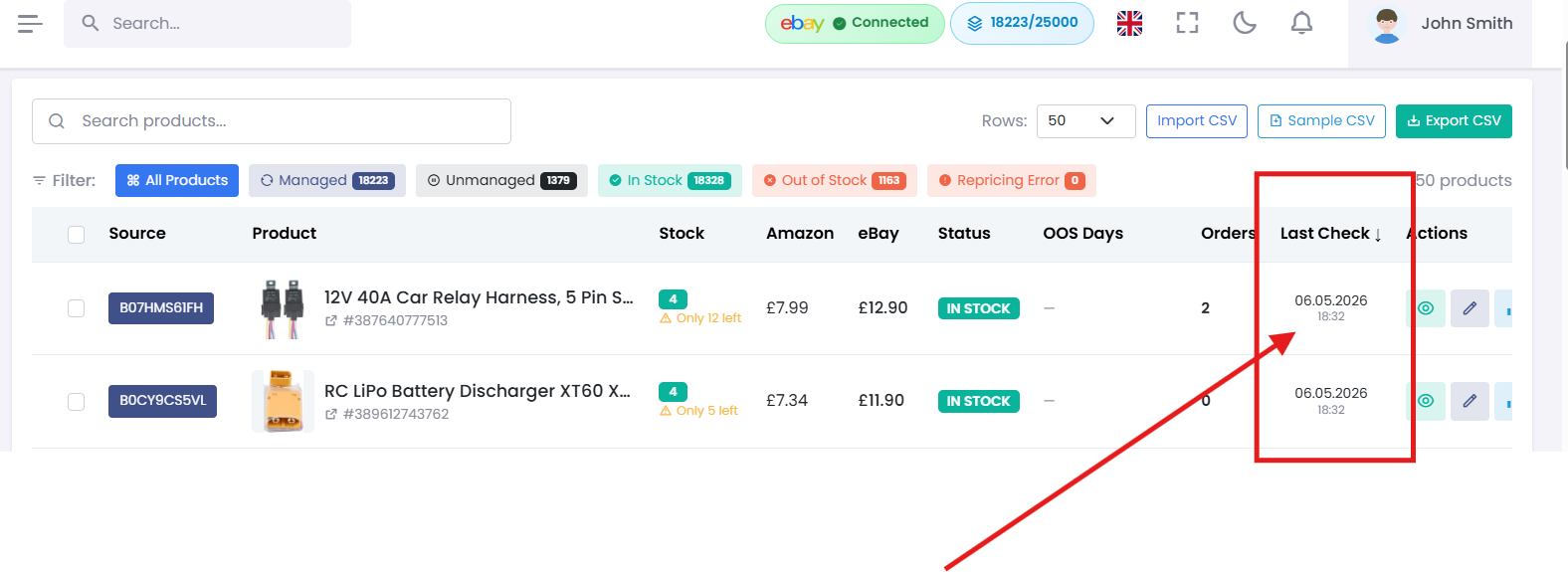
Coderom regularly checks whether each product is still available on Amazon. When it detects a change, it updates your eBay listing automatically:
- In stock on Amazon → Your eBay listing shows available quantity
- Out of stock on Amazon → Your eBay listing quantity is set to 0 (buyers can't purchase)
- Back in stock → Your eBay listing is reactivated automatically
This runs in the background — you don't need to do anything.
Step 1: How stock sync works
Step 2: Out-of-stock protection
This is one of Coderom's most important features. If a buyer purchases a product on eBay but it's out of stock on Amazon, you'd need to cancel the order — damaging your seller rating.
Coderom prevents this by:
- Checking stock levels every few hours
- Setting quantity to 0 as soon as a product is unavailable
- eBay's "Out of Stock" feature keeps the listing active but hidden from search
Step 2: Out-of-stock protection
Step 3: Stock quantity settings
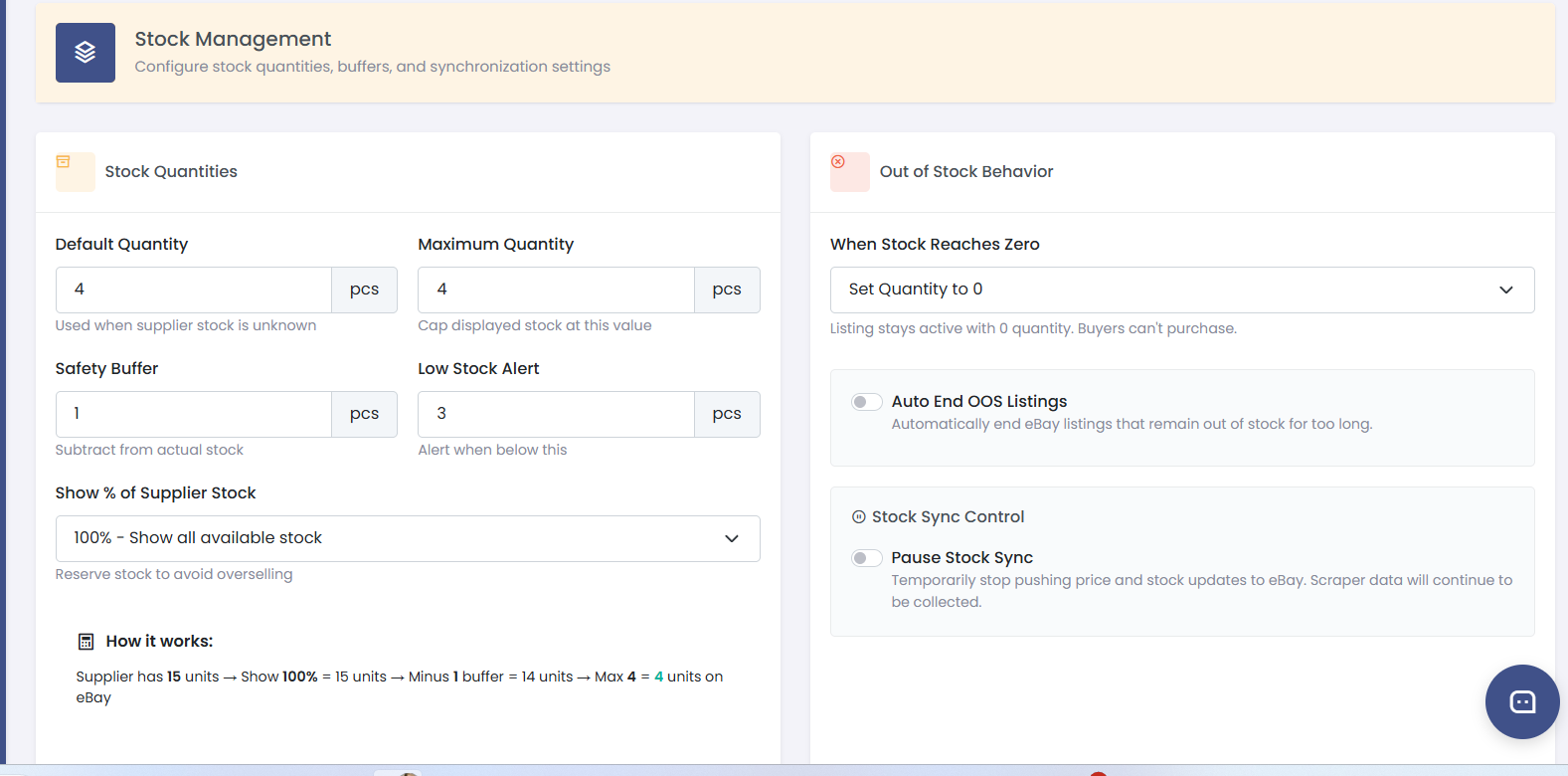
Go to Settings → Stock to configure:
| Setting | What it does | Recommended |
|---|---|---|
| Default quantity | Number of units shown on eBay when in stock | 1-3 |
| Out of stock action | What happens when Amazon stock runs out | Set to 0 (default) |
| Use eBay out-of-stock feature | Keeps listing active but hidden when quantity is 0 | On |
Step 3: Stock quantity settings
Step 4: Re-stock detection
When a product comes back in stock on Amazon:
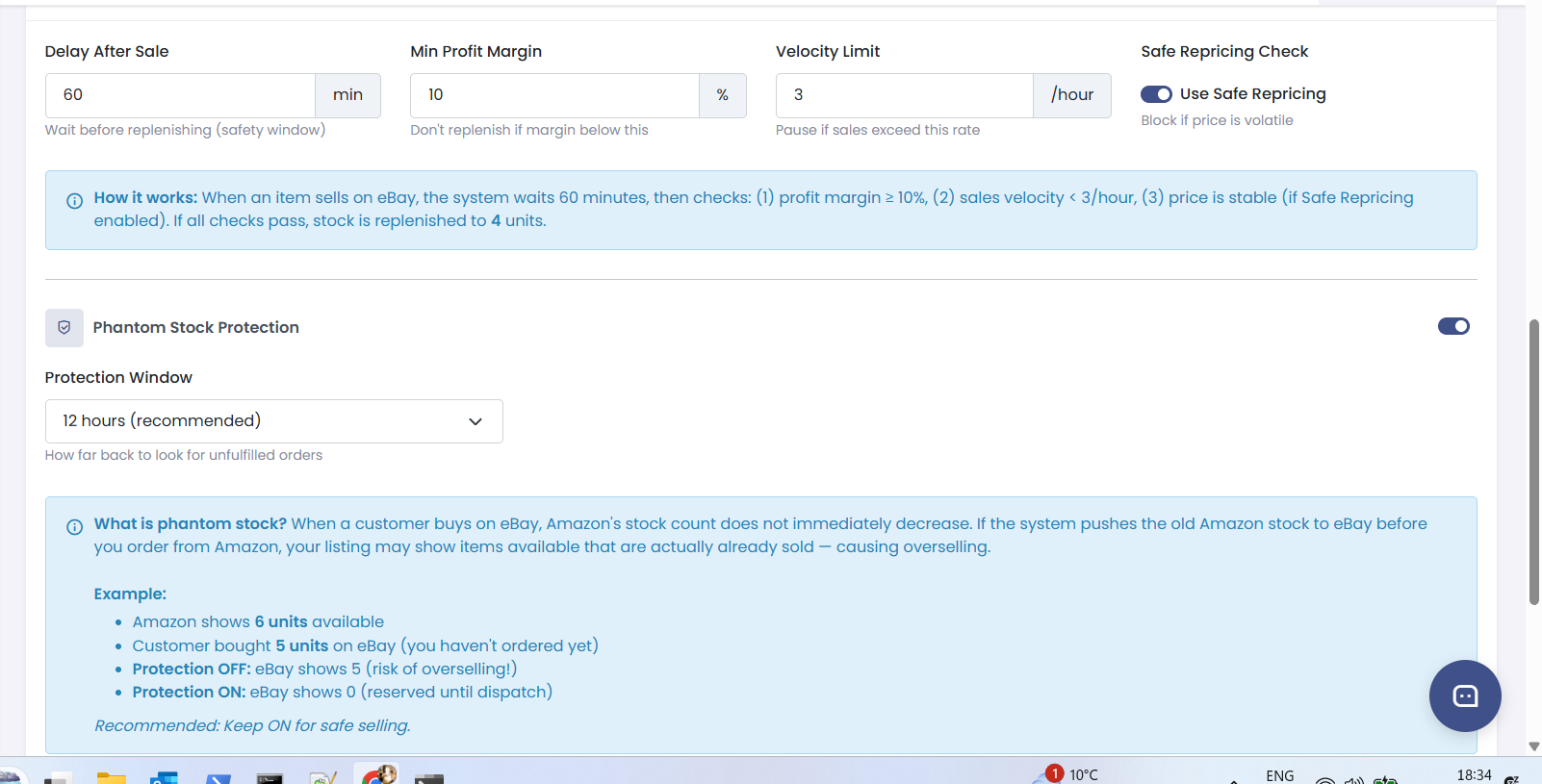
- Coderom detects the availability change during the next check
- Your eBay listing quantity is automatically restored
- The listing becomes visible in eBay search again
- The price is also re-checked and updated if needed
No manual action required — everything happens automatically.
Step 4: Re-stock detection
Step 5: Stock sync schedule
Stock is checked on the same smart schedule as pricing:
| Product status | Check frequency |
|---|---|
| Recently sold | Every 6 hours |
| Active with views | Every 12 hours |
| Active, low activity | Every 24 hours |
| Out of stock | Every 48 hours |
| No sales for 30+ days | Every 72 hours |
Was this helpful?
Still need help? Browse all articles or contact support.