Step 1: Prepare your CSV file
Create a spreadsheet with one Amazon ASIN per row. You can use Excel, Google Sheets, or any text editor.
Your CSV file needs just one column — the Amazon ASIN. Here's an example:
| ASIN |
|---|
| B09V3KXJPB |
| B0BSHF7WHW |
| B07FZ8S74R |
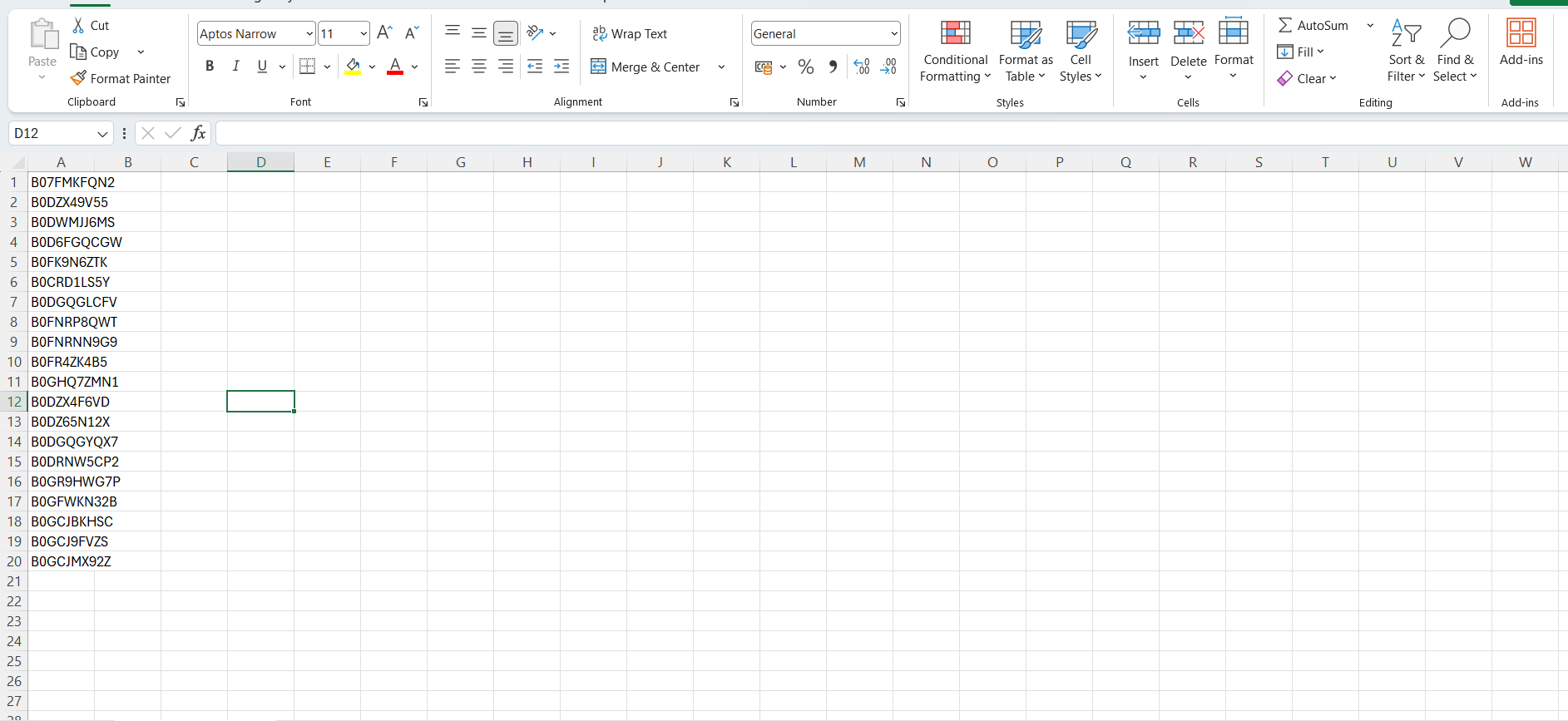
Step 1: Prepare your CSV file
Tip: You can find the ASIN on any Amazon product page — it's in the URL or under "Product Information". It always starts with "B0" and is 10 characters long.
Step 2: Upload and import
- Go to Bulk Import from the sidebar
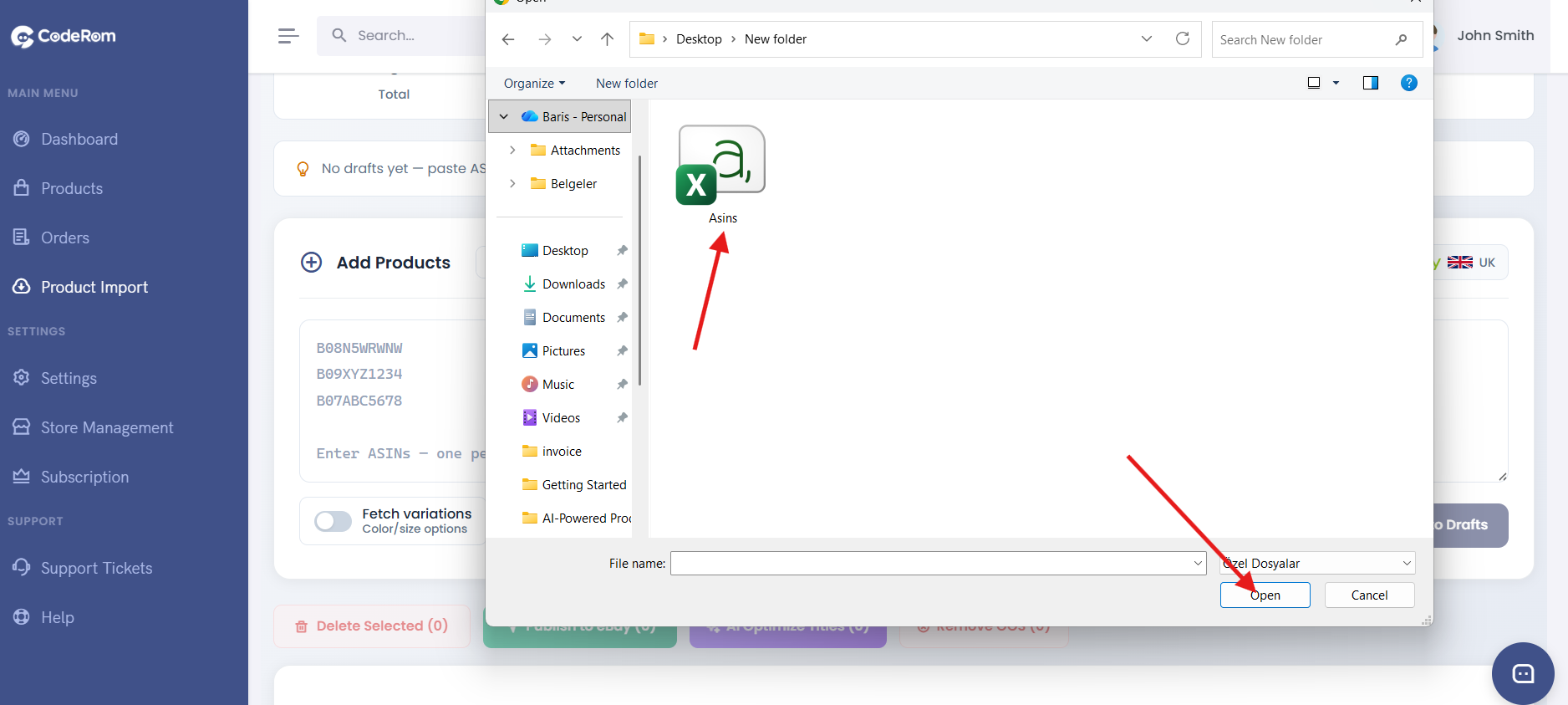
- Click Choose File and select your CSV
- Choose your target eBay marketplace (GB, US, DE, etc.)
- Toggle AI Optimise on if you want AI-generated titles and descriptions
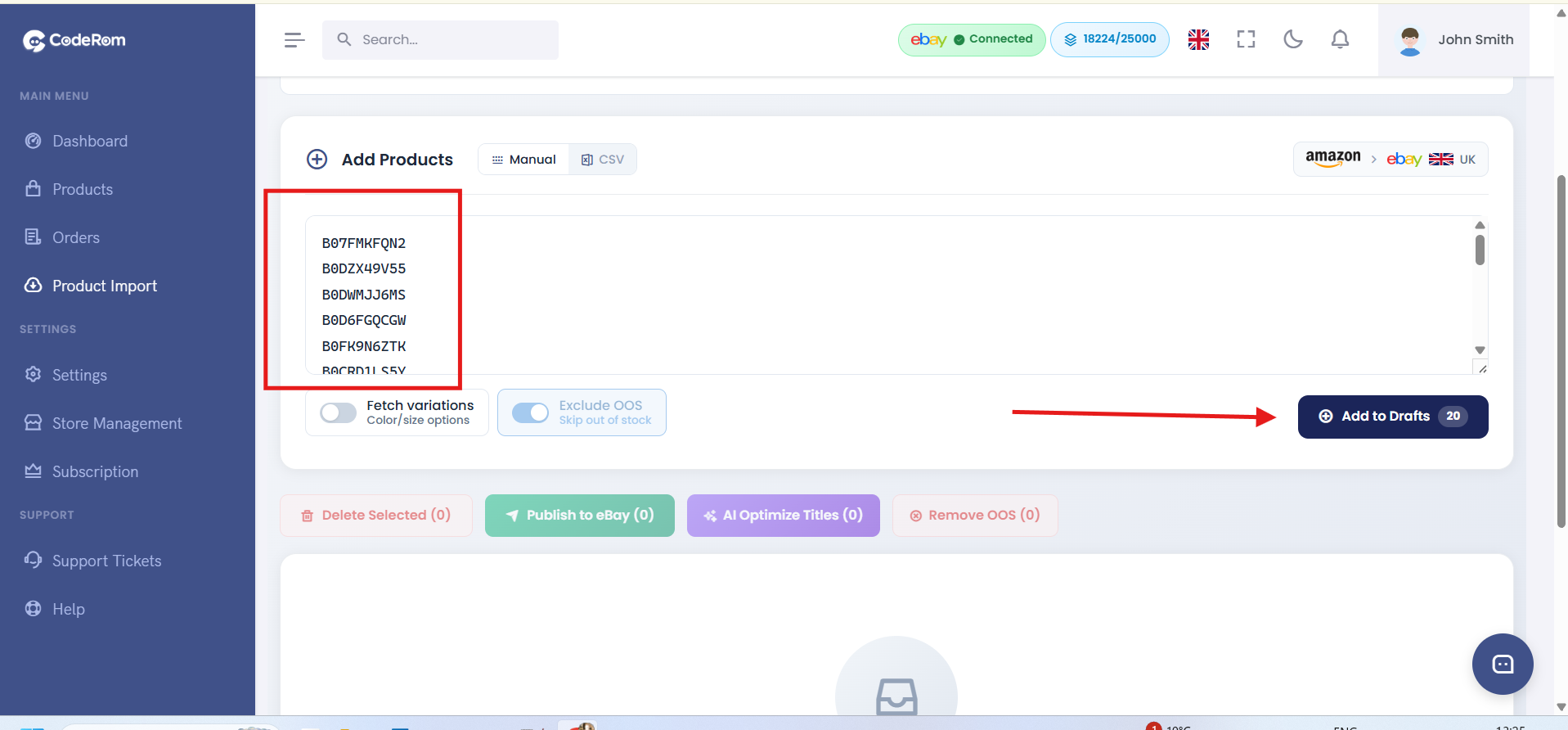
- Click Start Import
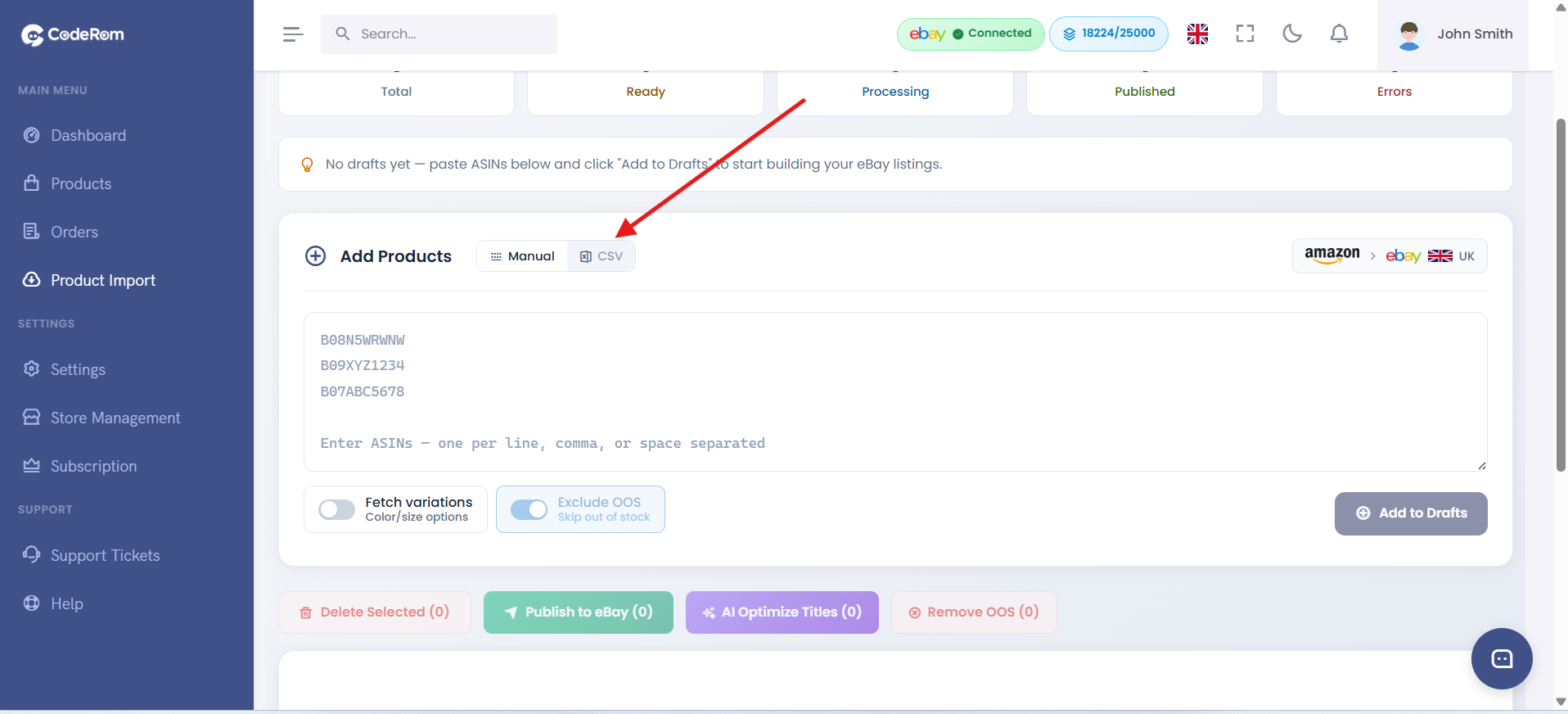
Step 2: Upload and import
Tip: You can import up to 500 ASINs at once. For larger lists, split them into multiple CSV files.
Step 3: Monitor import progress
After clicking Start Import, you'll see a progress bar showing:
- Total products in the queue
- Successfully processed
- Failed (with reasons)
The import runs in the background — you can close the page and come back later. Coderom will continue processing.
Step 3: Monitor import progress
Step 4: Review imported products
Once the import is complete:
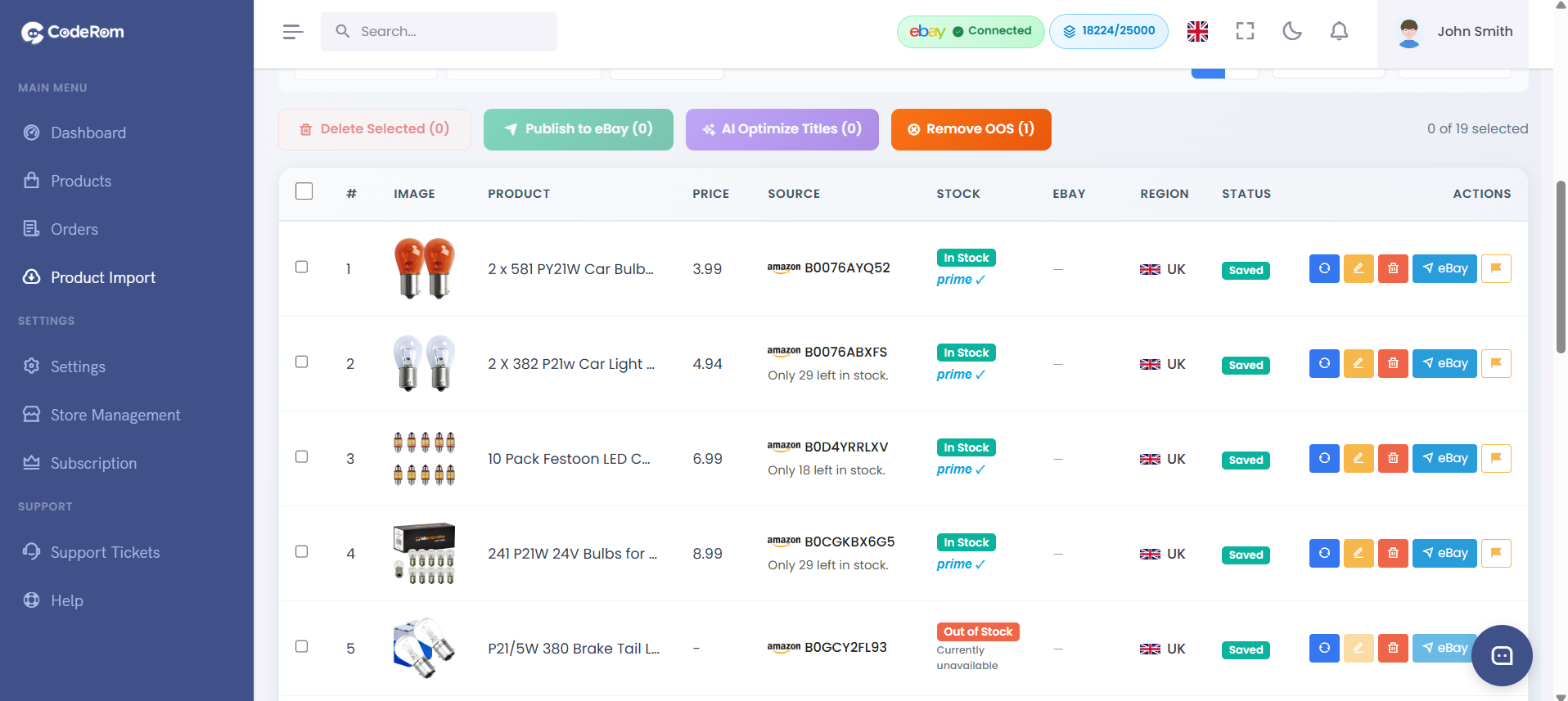
- Go to Draft Products
- You'll see all imported products with their status
- Products marked "Ready" can be published to eBay immediately
- Products marked "Needs Review" may need manual adjustments (e.g. missing images or restricted categories)
Step 4: Review imported products
Step 5: Troubleshooting common issues
| Issue | Cause | Solution |
|---|---|---|
| "ASIN not found" | Invalid ASIN or product not available on Amazon | Double-check the ASIN on Amazon |
| "Restricted category" | Product is in a restricted eBay category | Remove the product or apply for category approval on eBay |
| "No images available" | Amazon listing has no images | Add images manually in the draft editor |
| "Import stuck" | Large batch processing | Wait a few minutes — processing continues in the background |
Step 5: Troubleshooting common issues
Was this helpful?
Still need help? Browse all articles or contact support.