Step 1: Create your account
Go to app.coderom.com and click Sign Up. Enter your email address and create a password. You'll receive a confirmation email — click the link to activate your account.
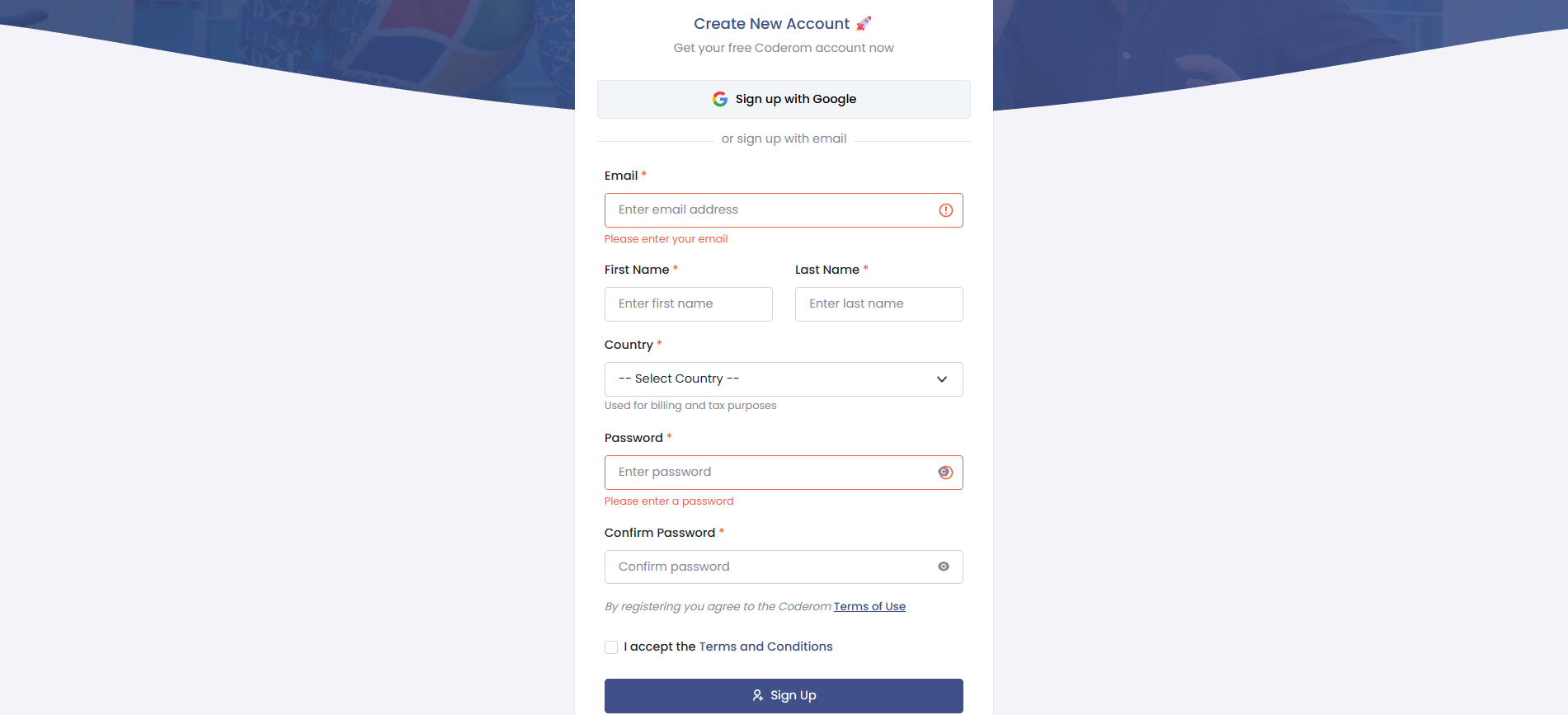
Step 1: Create your account
Step 2: Connect your eBay store
After logging in, go to Settings → eBay Connection. Click Connect eBay Account and sign in to your eBay seller account. Coderom will request permission to manage your listings — click Agree to complete the connection.
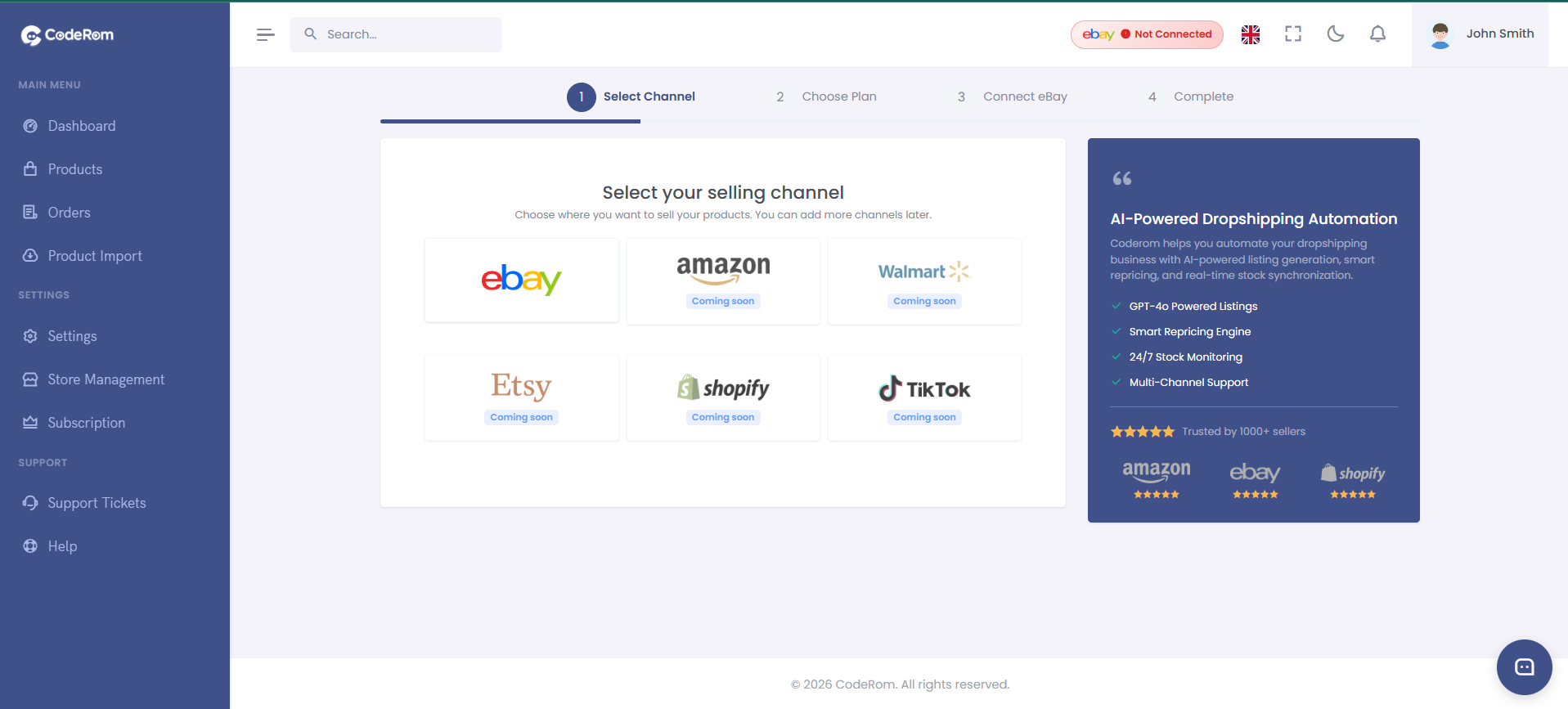
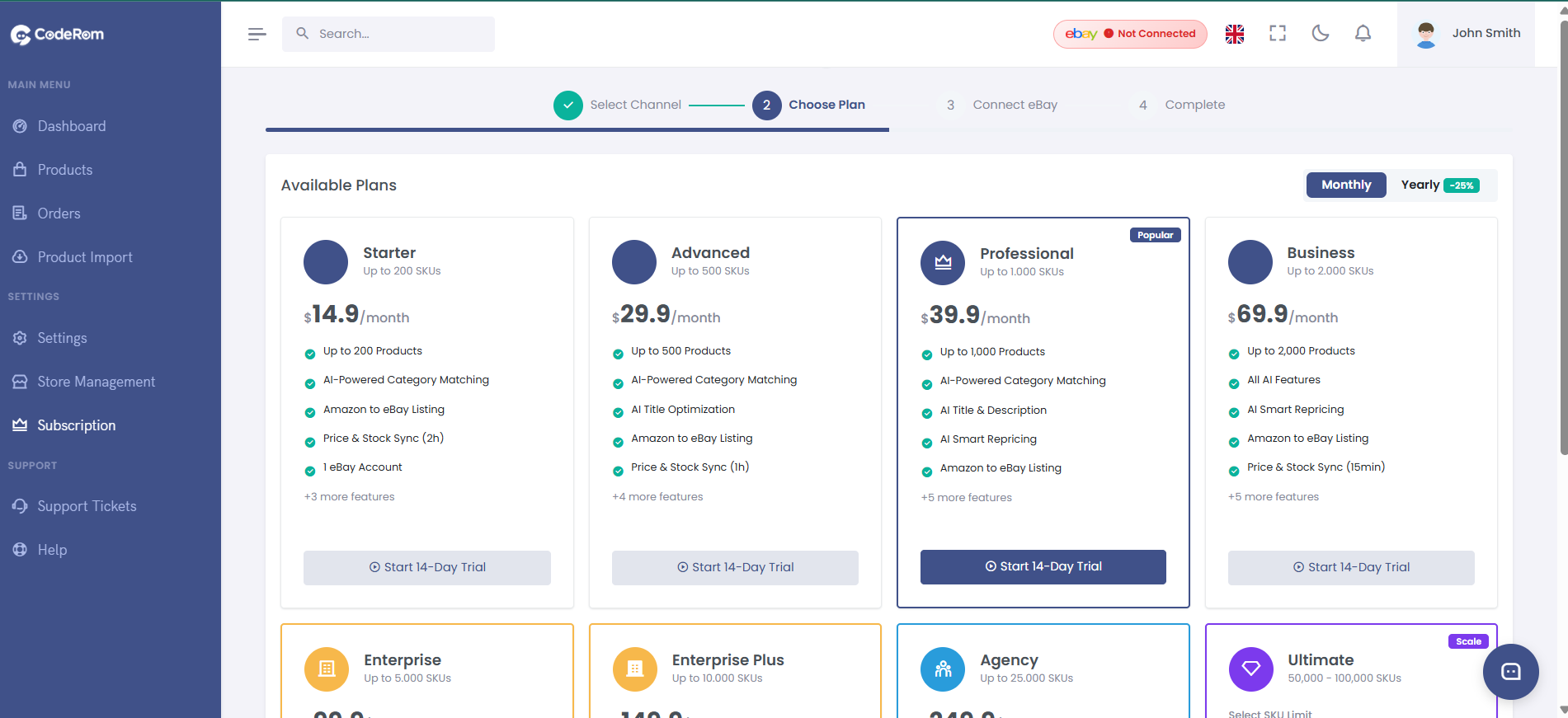
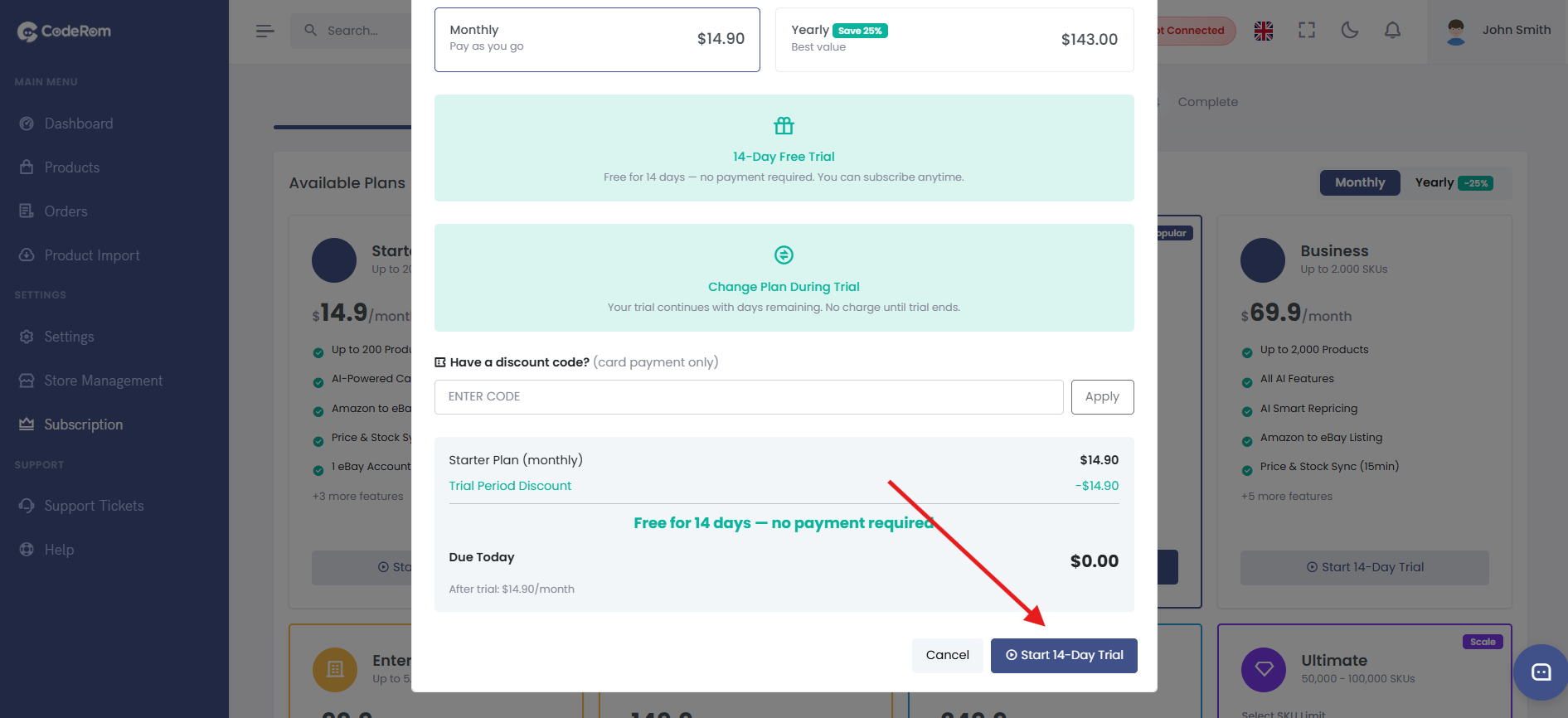
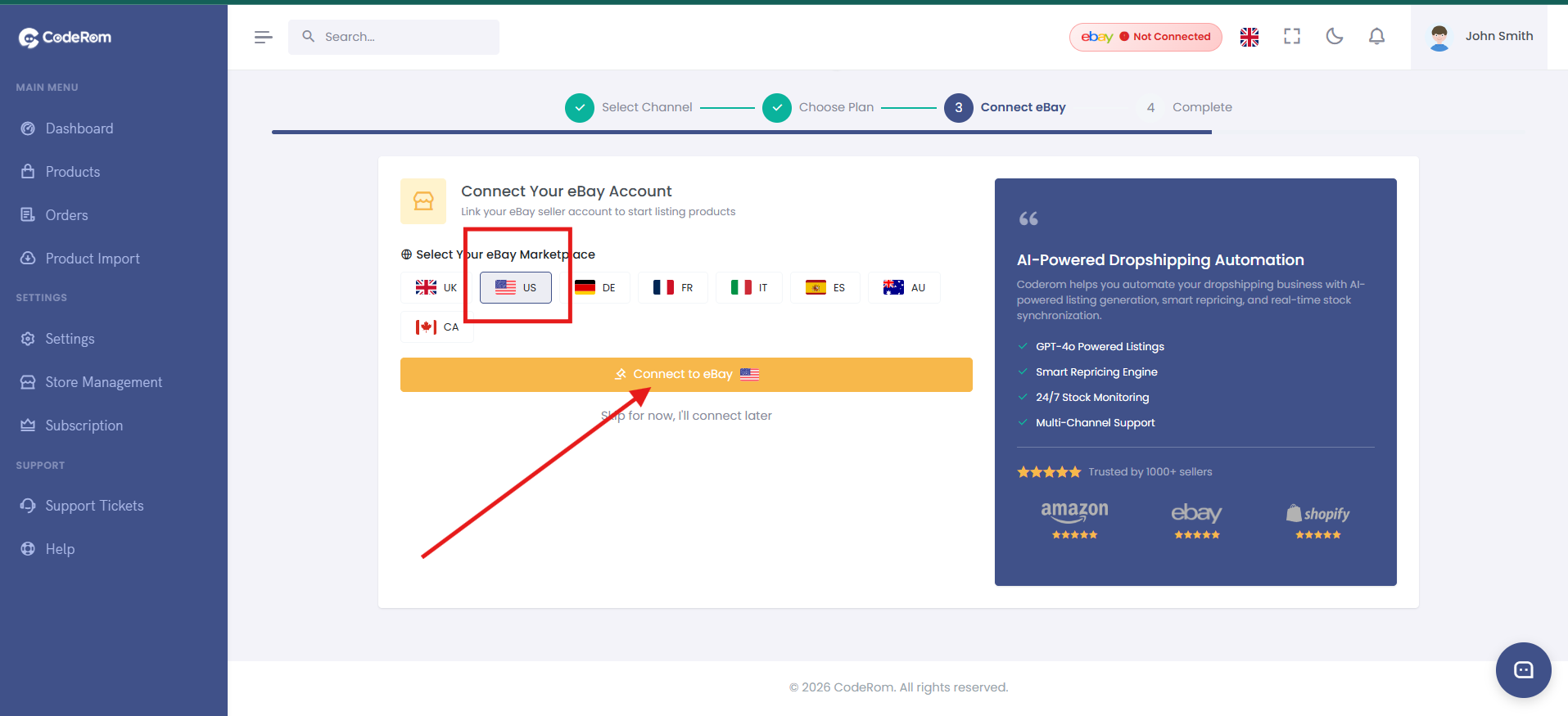
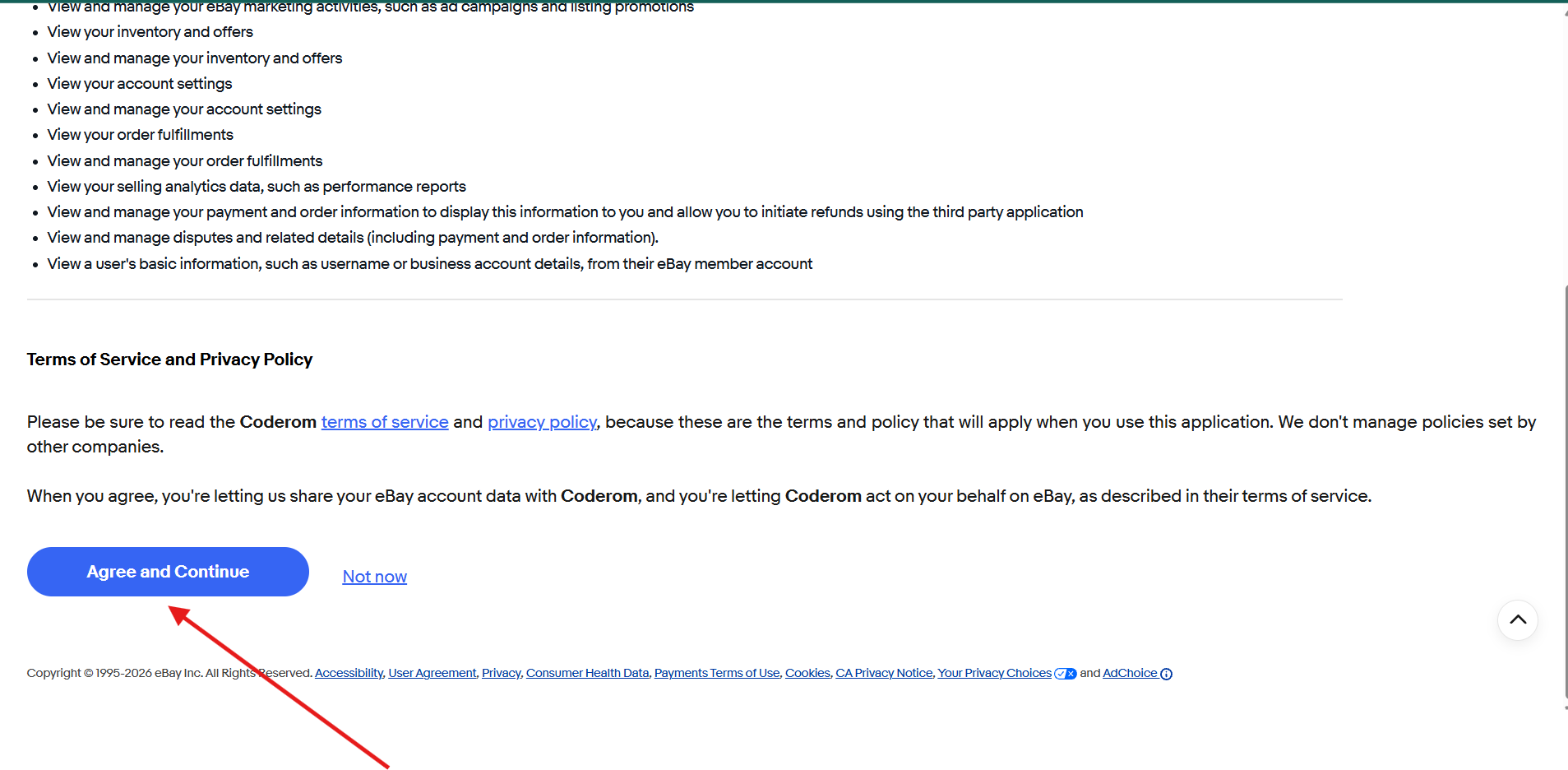
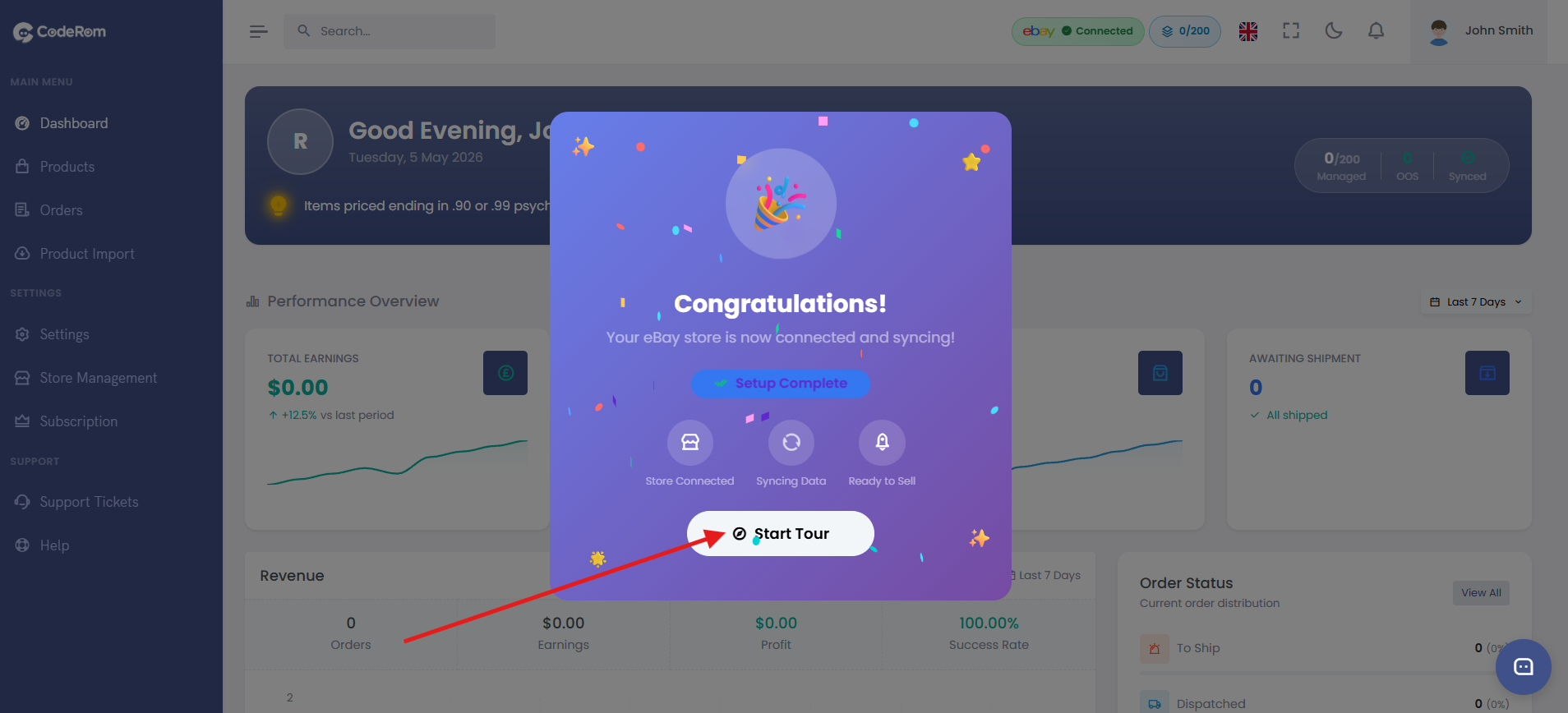
Step 2: Connect your eBay store — 6 screenshots
Step 3: Add your first product
There are two ways to add products:
Option A: Single product
Go to Add Product, paste an Amazon ASIN or URL, and click Search. Coderom will fetch the product details automatically.
Option B: Bulk import
Go to Bulk Import, upload a CSV file with Amazon ASINs (one per row), and click Import. All products will be queued for processing.
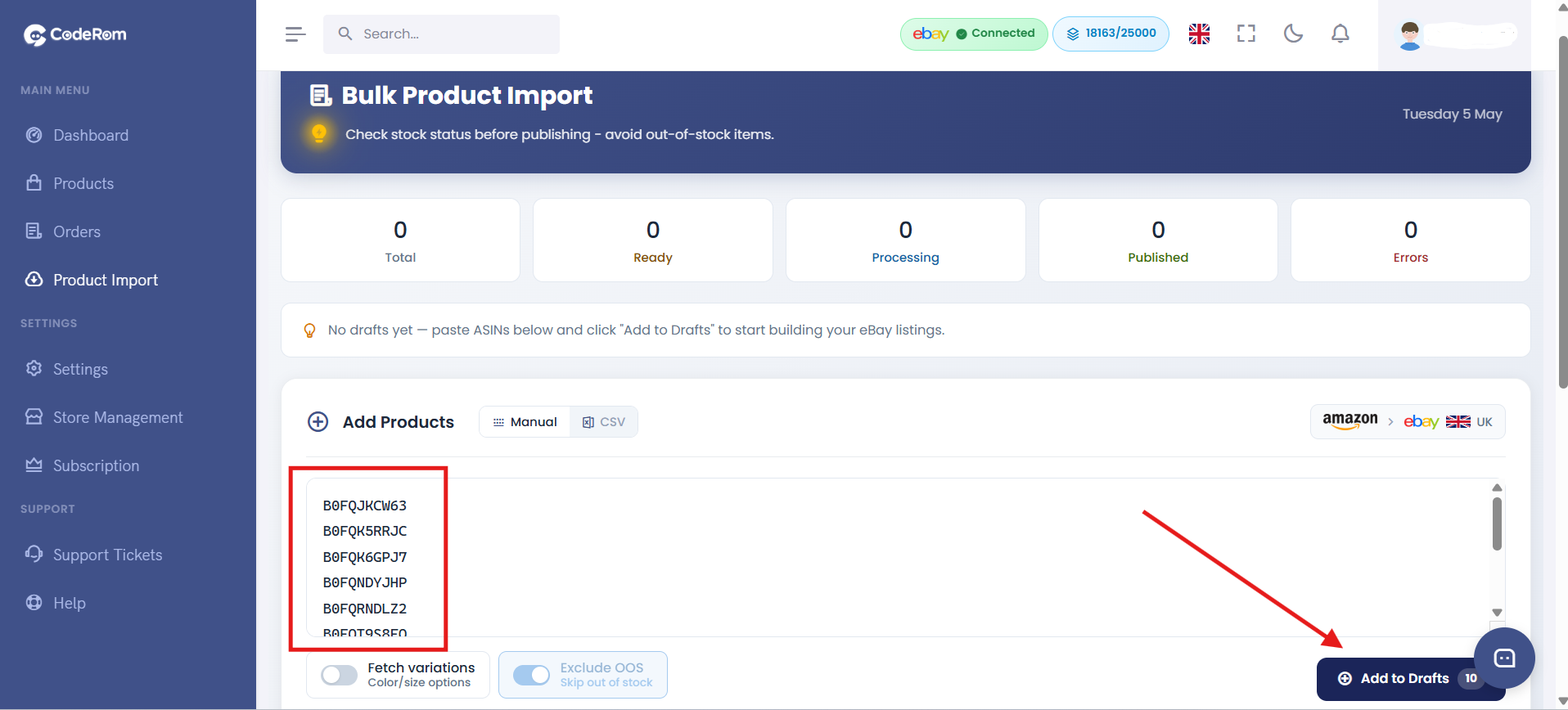
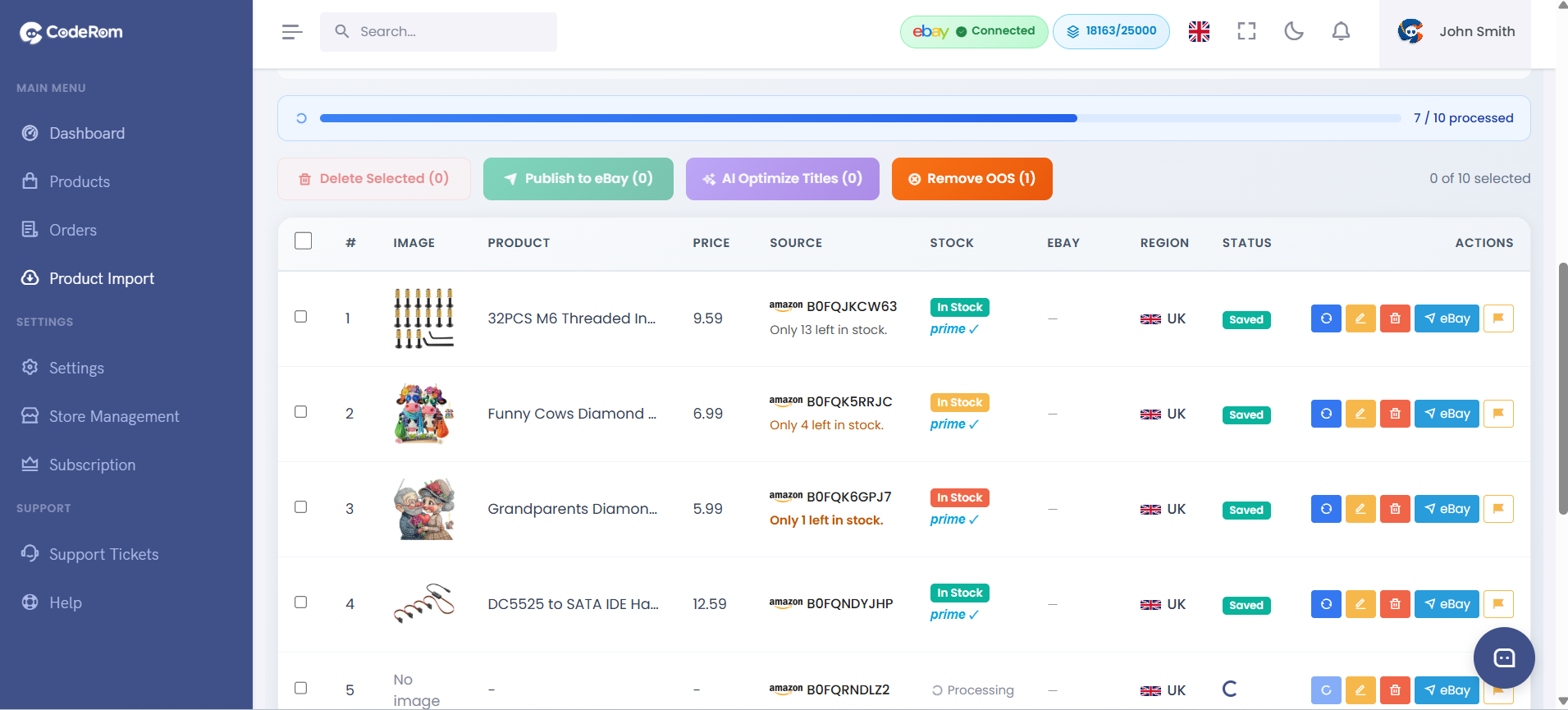
Step 3: Add your first product — 2 screenshots
Step 4: Configure essential settings
Before publishing, review these key settings in Settings → Pricing:
| Setting | What it does | Recommended |
|---|---|---|
| Profit margin | Your markup percentage on top of the Amazon price | 20–30% |
| eBay fees | Automatically deducted from your selling price calculation | 12.8% (UK default) |
| Smart repricing | Automatically adjusts your eBay price when the Amazon price changes | On |
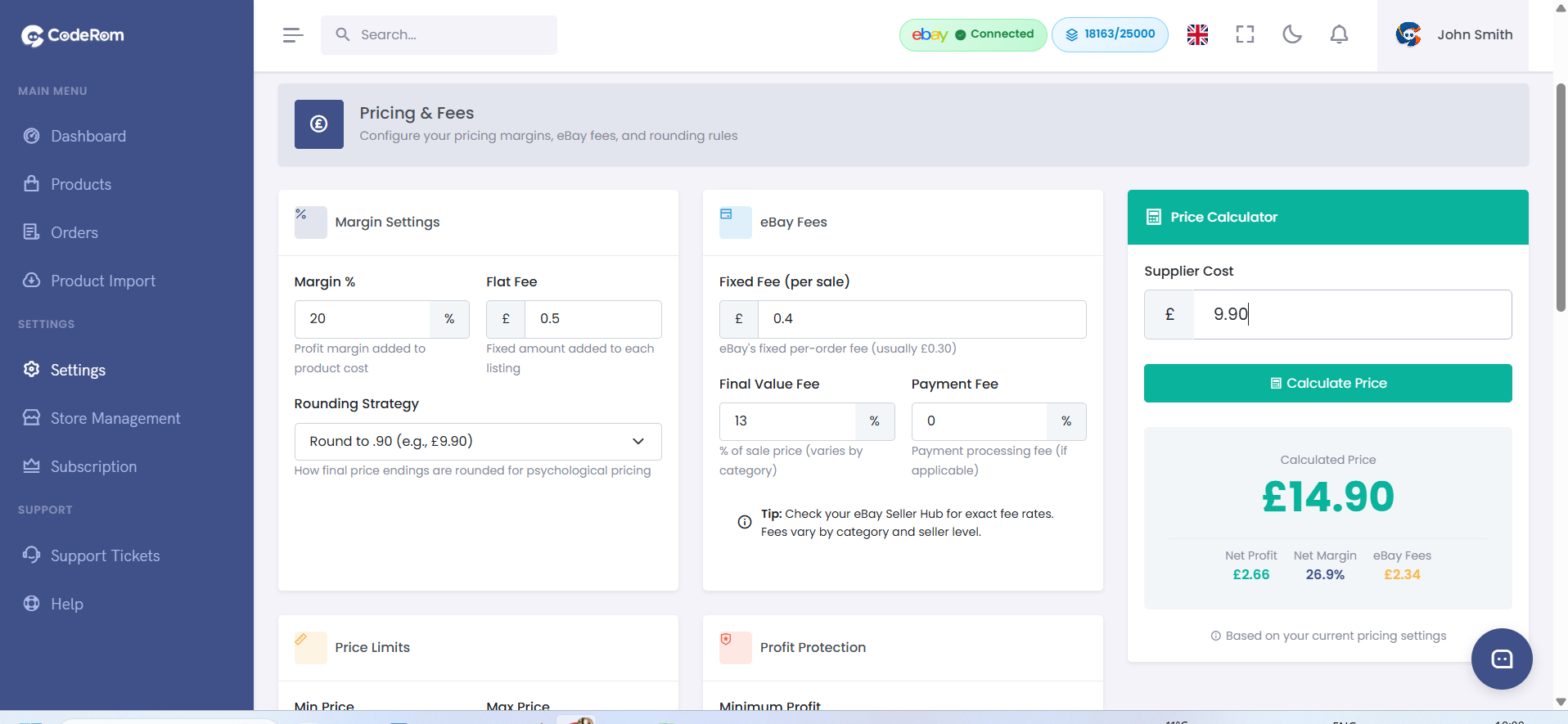
Step 4: Configure essential settings — 2 screenshots
Step 5: Publish to eBay
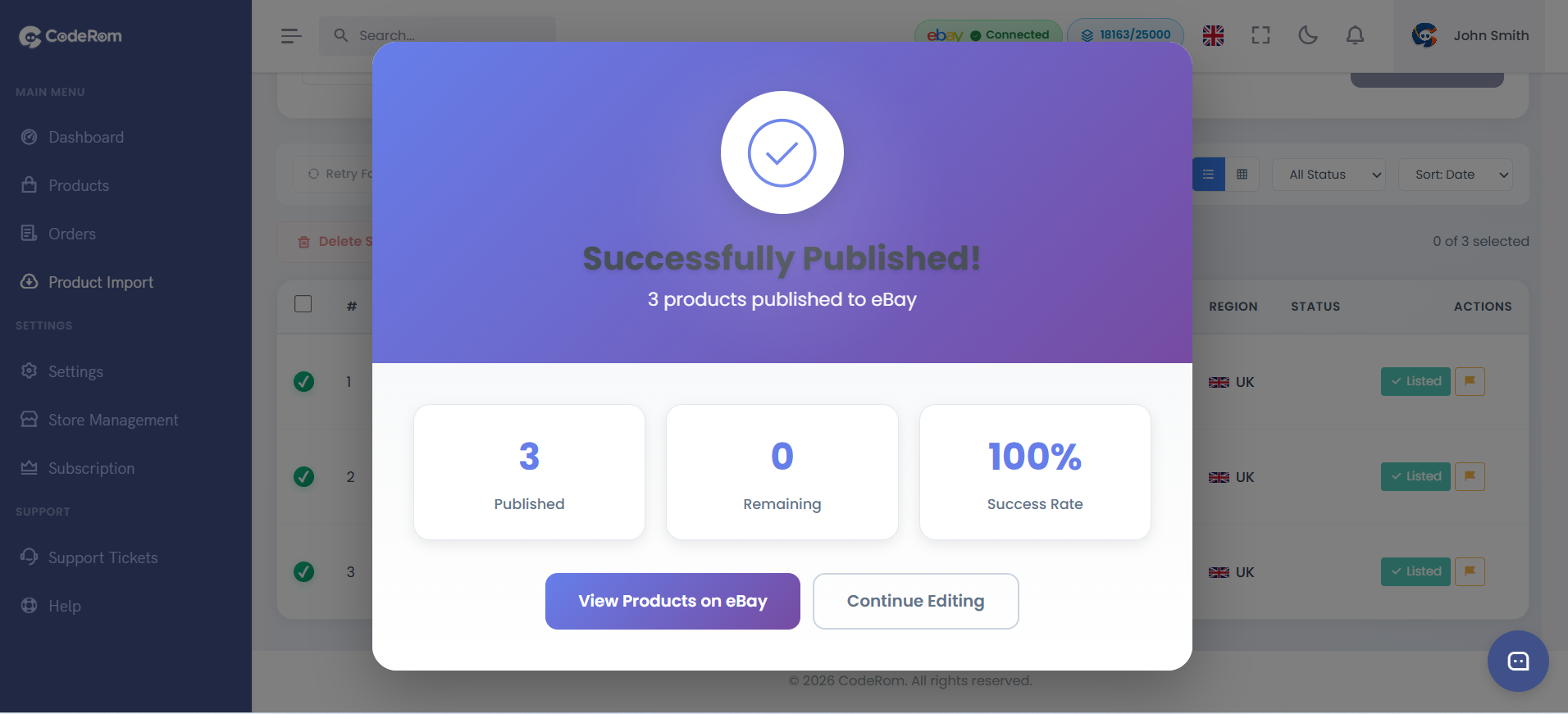
Once your product is ready, go to Draft Products, select the items you want to list, and click Publish to eBay. Coderom will create the eBay listing with optimised titles, descriptions, and images.
After publishing, your product moves to Active Products where Coderom monitors the Amazon price and stock in real-time, automatically updating your eBay listing.
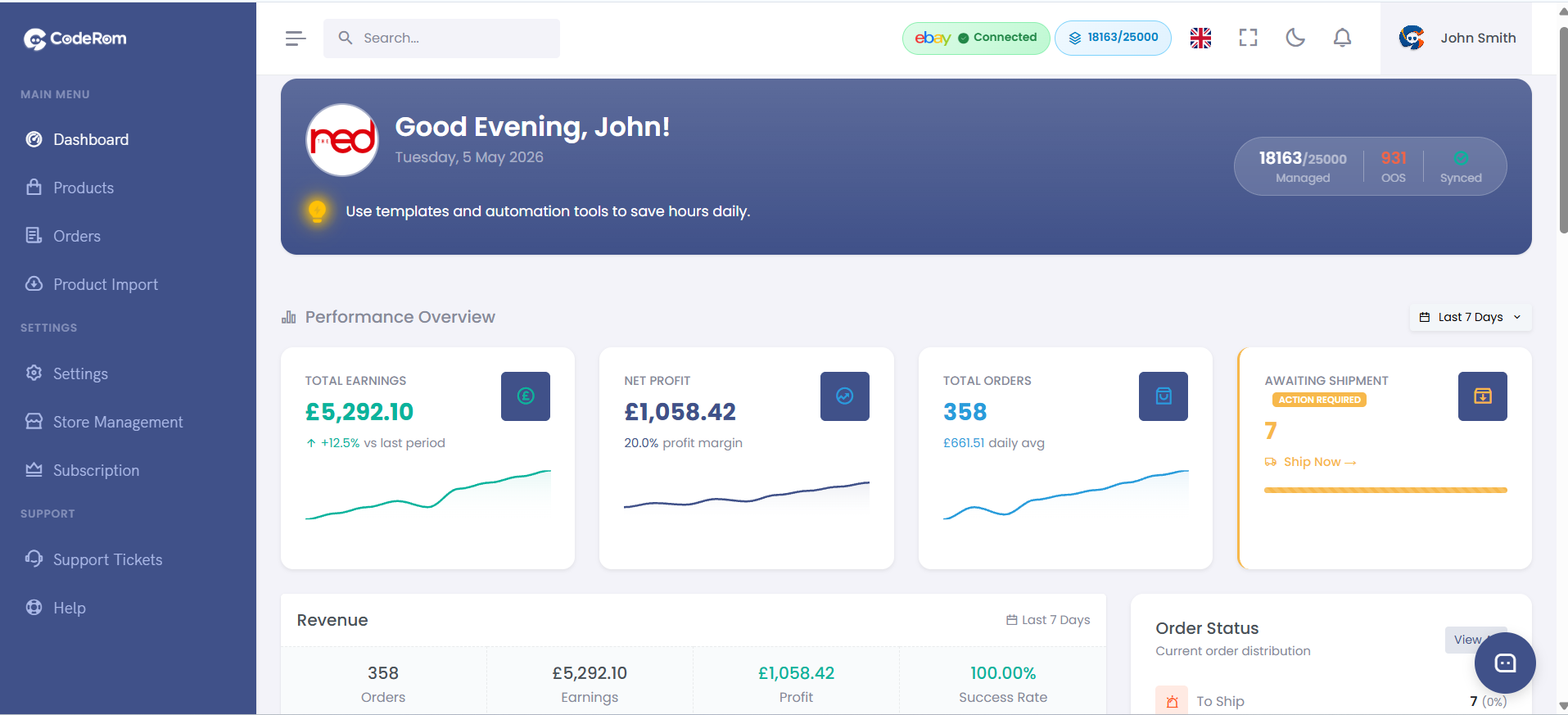
Step 5: Publish to eBay
Was this helpful?
Still need help? Browse all articles or contact support.