Step 1: How AI listing works
When you add an Amazon product to Coderom, the AI analyses the original listing and creates an optimised version for eBay. This includes:
- A rewritten title that follows eBay best practices (80 characters, keyword-rich)
- A clean, professional product description
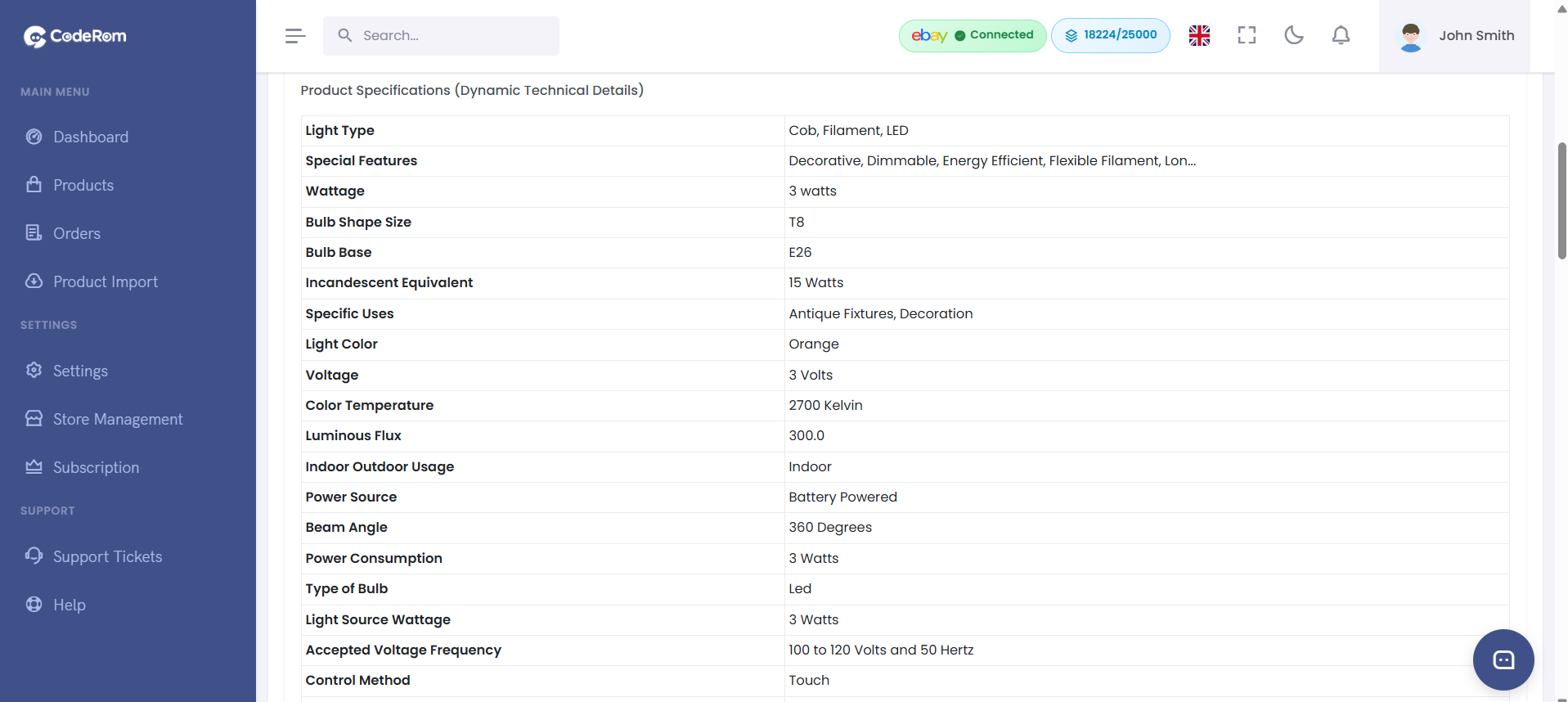
- Properly formatted item specifics
- Optimised images from the Amazon listing
The AI removes Amazon-specific references and branding, making your listing look professional and original.
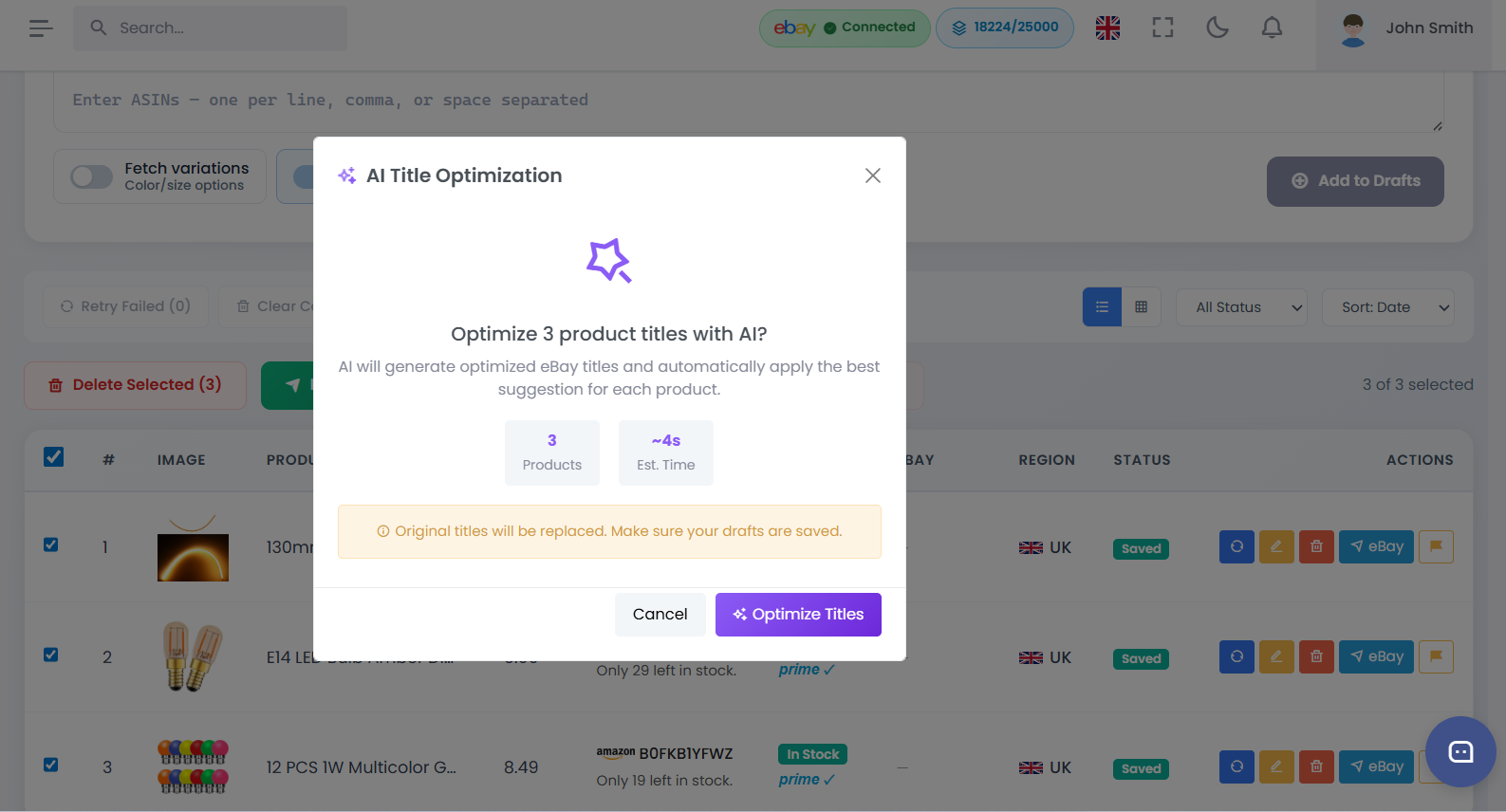
Step 1: How AI listing works
Step 2: Add a product with AI optimisation
- Go to Add Product from the sidebar
- Paste the Amazon ASIN or product URL
- Click Search — Coderom will fetch the product details
- The AI will automatically generate an optimised listing
- The product appears in your Draft Products with an "AI Optimised" badge
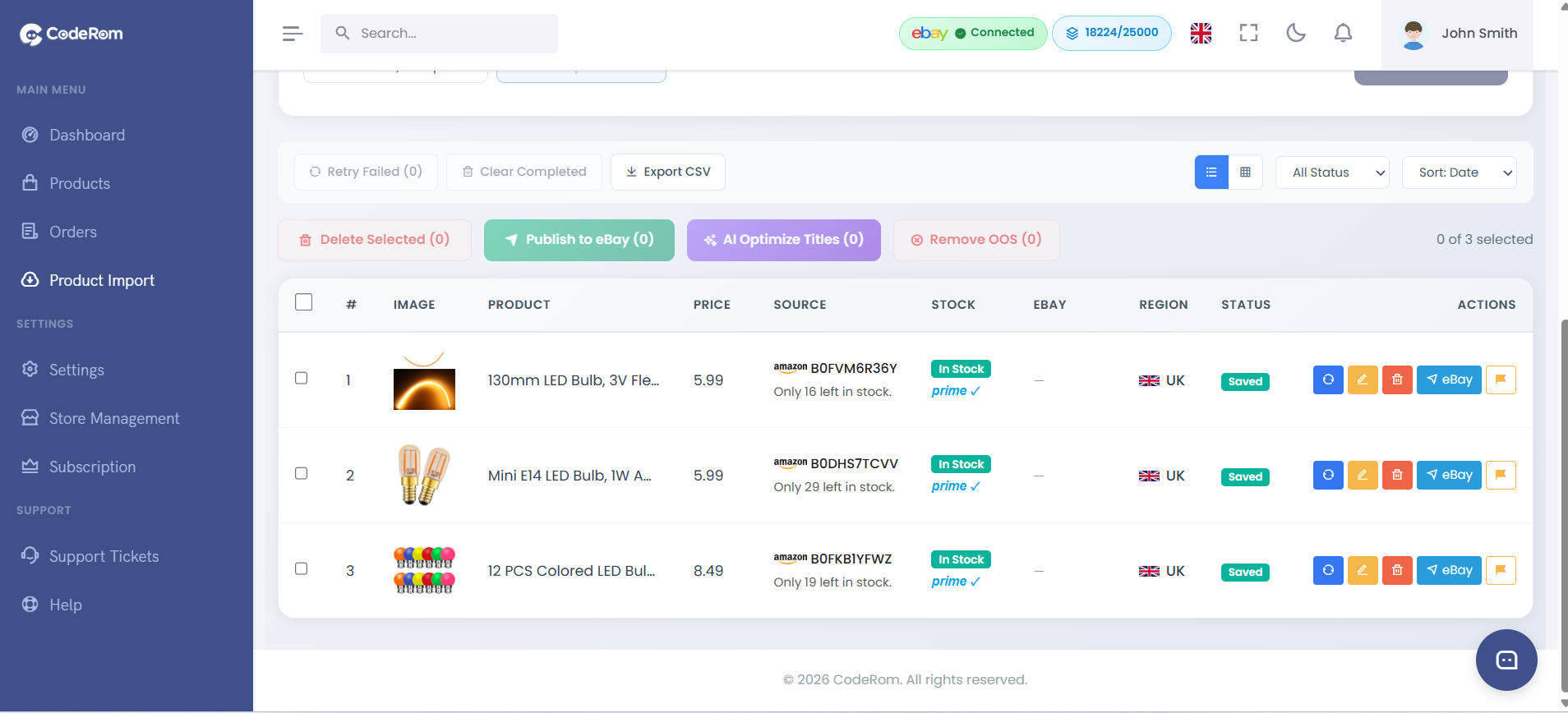
Step 2: Add a product with AI optimisation
Tip: You can also enable AI optimisation for bulk imports. Go to Bulk Import and make sure "AI Optimise" is toggled on before importing your CSV file.
Step 3: Review and edit your AI draft
- Go to Draft Products
- Click on any product to open the editor
- Review the AI-generated title, description, and item specifics
- Make any changes you'd like — the AI draft is fully editable
- Click Save when you're happy with the listing
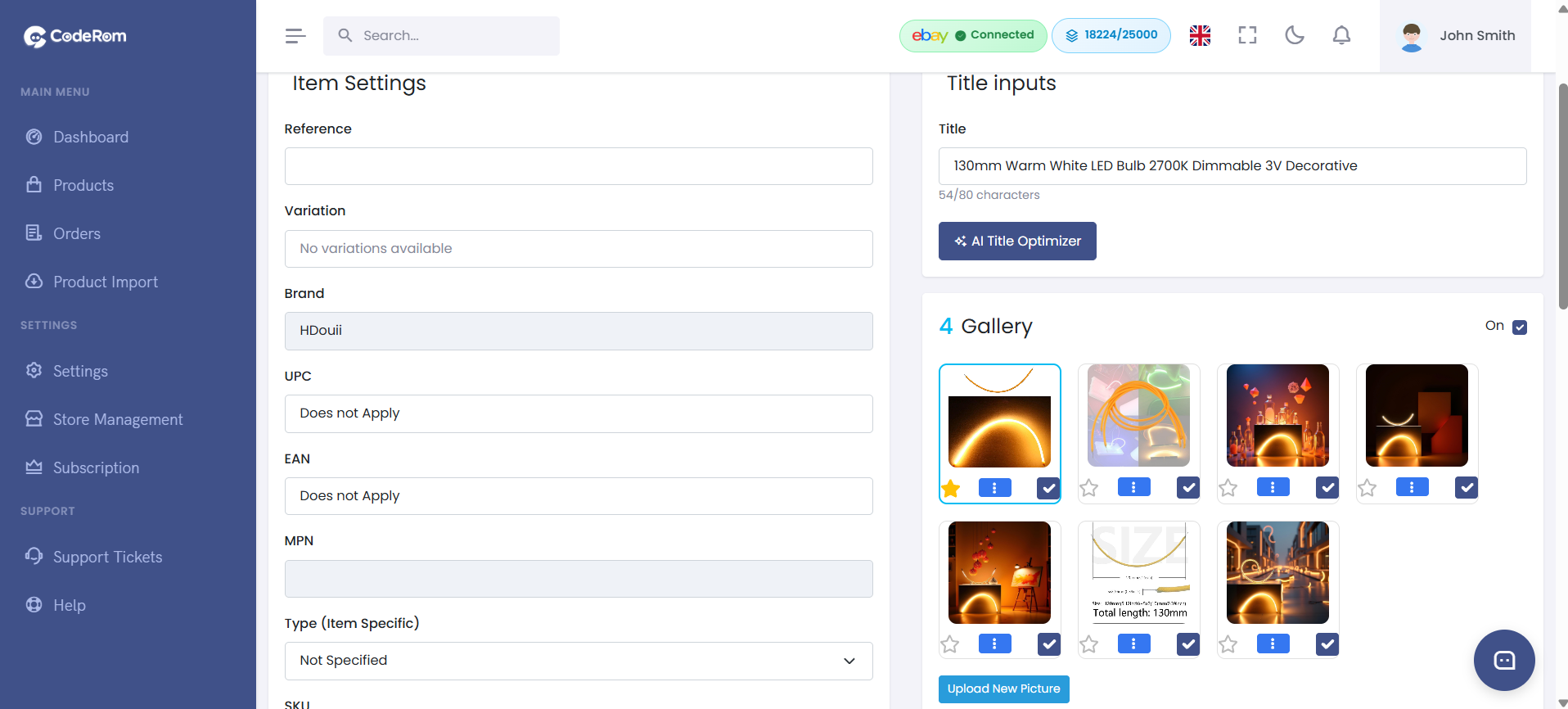
Step 3: Review and edit your AI draft
Step 4: AI title optimisation
Coderom's AI can also optimise titles for your existing listings:
- Go to Draft Products or Active Products
- Select one or more products
- Click AI Optimise Titles
- The AI will rewrite each title following eBay SEO best practices
- Review the new titles and click Apply
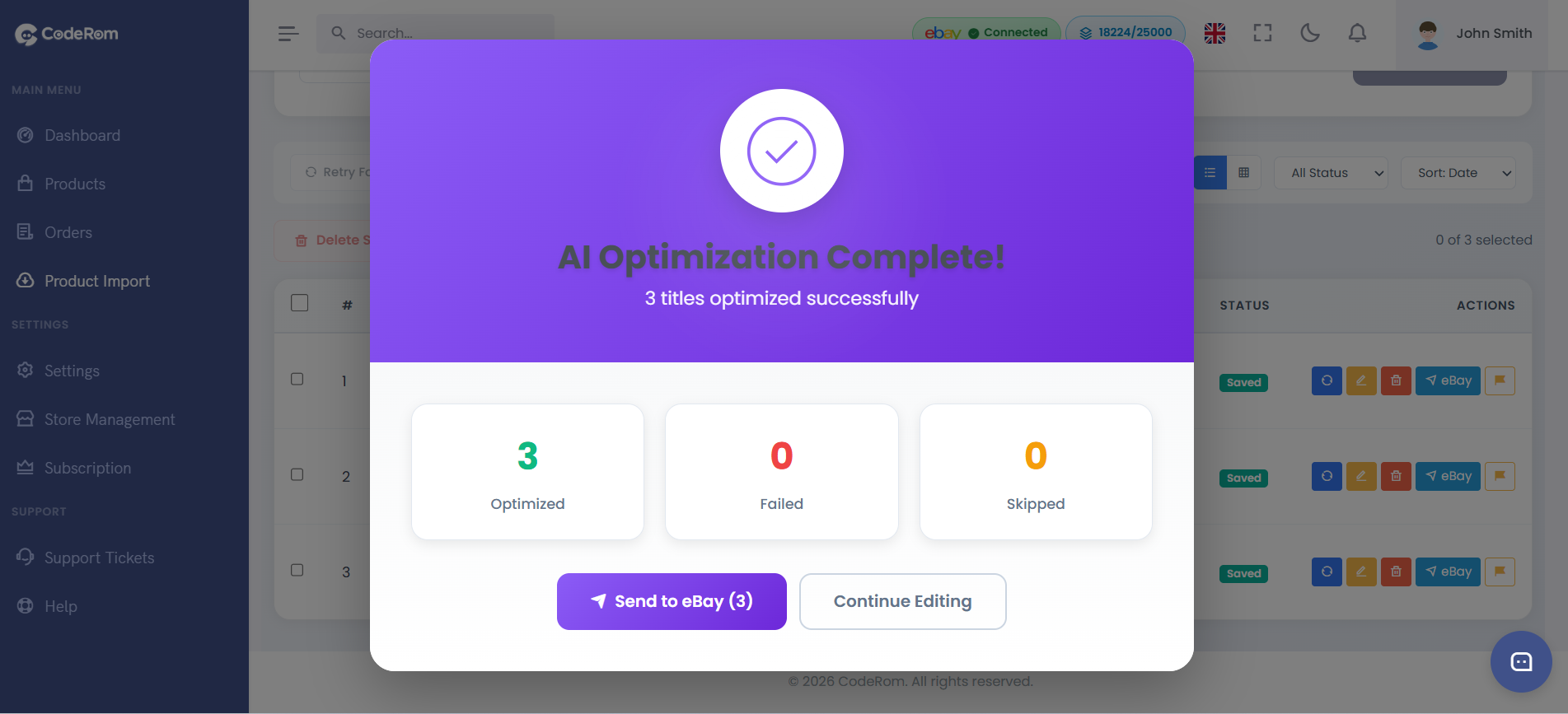
Step 4: AI title optimisation
| Before | After |
|---|---|
| Amazon Fire TV Stick 4K Max streaming device, supports Wi-Fi 6E, Alexa Voice Remote | Fire TV Stick 4K Max Streaming Device Wi-Fi 6E Alexa Voice Remote Smart TV |
Tip: AI title optimisation works in batches — you can optimise up to 50 titles at once. The process takes about 2-3 seconds per title.
Step 5: Customise AI settings
You can control how the AI generates listings. Go to Settings → AI Listing:
| Setting | What it does | Recommended |
|---|---|---|
| AI optimisation | Enable/disable AI for new products | On |
| Title style | Choose between keyword-focused or readable titles | Keyword-focused |
| Description length | Short, medium, or detailed descriptions | Medium |
| Remove Amazon refs | Strip Amazon branding from descriptions | On |
| Auto item specifics | AI fills in missing item specifics | On |
Step 5: Customise AI settings
Was this helpful?
Still need help? Browse all articles or contact support.